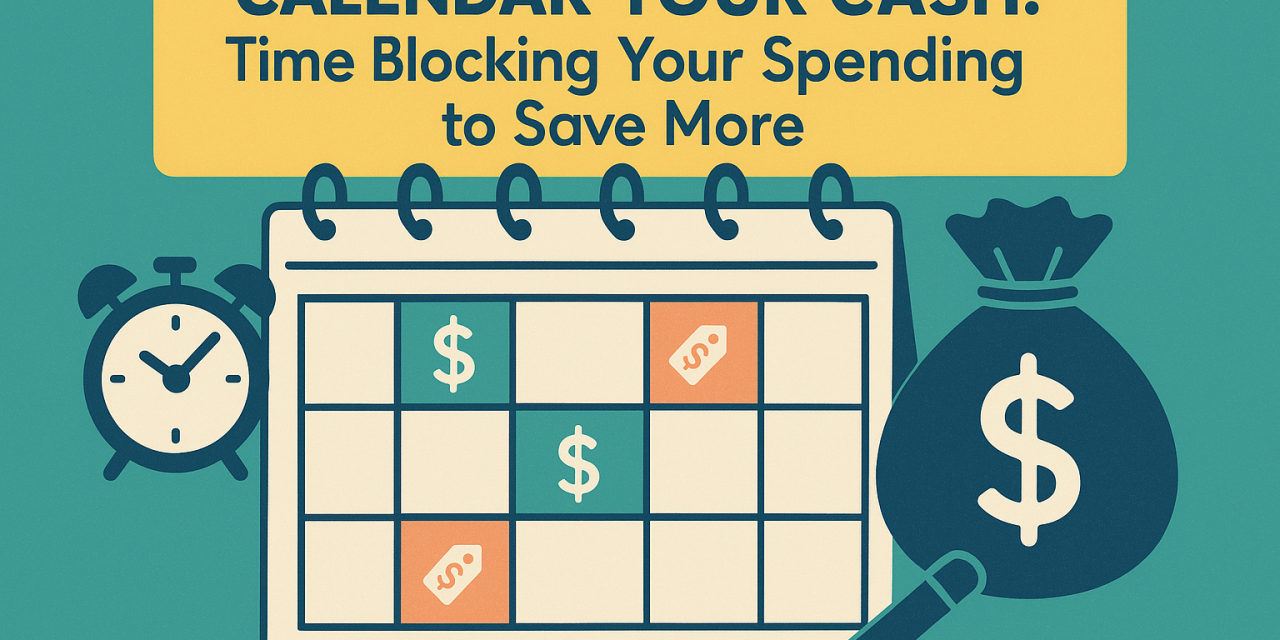
Calendar Your Cash: Time-Blocking Your Spending to Save More
Why Time-Blocking Your Spending Works
You live by your calendar. Work meetings, gym sessions, birthdays, rent day. Your money needs a spot there too. Time-blocking spending assigns dates and amounts to your money. You choose when money leaves your account. You choose limits before the moment of temptation. Structure beats impulse.
People in their late 20s and early 30s juggle rent or a mortgage, student loans, subscriptions, eating out, travel, and savings goals. Paychecks land on set days. Bills repeat on set days. A calendar mirrors real life. You use it already. You trust it already. Put your money plan on the same rails.
Define Your Targets By Pay Cycle
Start with your net income per pay period. List fixed costs that repeat each month. Examples include rent, phone, internet, insurance, transit pass, and minimum debt payments. Allocate savings and extra debt payments next. Fill in variable categories with what remains.
Example targets for a biweekly paycheck of 2,000:
– Fixed costs: 1,000 per pay period
– Savings and investments: 300 per pay period
– Extra debt payment: 150 per pay period
– Groceries: 200 per pay period
– Eating out: 150 per pay period
– Fun and gifts: 100 per pay period
– Miscellaneous buffer: 100 per pay period
Adjust numbers to fit your life. The key is to choose a dollar target for each category before the pay period starts.
Build Your Money Calendar
Pick one calendar app and stick with it. Google Calendar, Apple Calendar, Outlook. Create a separate calendar titled Money in a bold color.
Set up these recurring events with amounts in the title:
– Paydays. Title example, Payday 2,000 arrives.
– Transfers to savings and brokerage. Example, Transfer 300 to Savings.
– Extra debt payments. Example, Pay 150 to Loan.
– Fixed bills on due dates with autopay notes. Example, Rent 1,800 autopay.
– Weekly grocery block. Example, Groceries 100.
– Eating out block. Example, Eating Out 75 for Friday to Sunday.
– Gas or rideshare block. Example, Transit 60.
Add alerts the morning of each event. Add a second alert two hours before the event time. Include the target amount in the alert text. You lower missed payments and late fees when alerts fire on time.
Daily and Weekly Spending Blocks
Time-blocking works best when you group small decisions. Use a few steady blocks.
– Weekday daily spend block. Example, 25 per weekday for coffee, snacks, and small items. Five days equals 125 per week.
– Weekend spend block. Example, 60 per weekend day. Two days equals 120.
– Grocery trip block. One trip per week. Example, Sunday 100.
– Eating out window. Friday night to Sunday night. Example, 75 total. When you spend 75 early, the window ends.
– Online order cooldown. Create a nightly block titled Review Cart. Add items to carts anytime, place orders only during this block.
– No-spend evenings. Two nights per week with no purchases. Add a calendar event to hold the window.
These blocks limit swipe-by-swipe choices. You batch decisions into a few moments you control.
Example 30-Day Schedule
Assume paydays on the 1st and 15th. Net pay 2,000 each time.
On the 1st:
– Transfer 300 to Savings.
– Pay Rent 1,800 autopay on the 3rd.
– Pay Internet 70 on the 5th.
– Pay Extra Student Loan 150 on the 6th.
Weekly, every Sunday:
– Groceries 100 at 10 a.m.
– Review Subscriptions at 5 p.m., five minutes only.
Friday to Sunday each week:
– Eating Out 75 window. Add a reminder Friday 4 p.m.
Daily:
– Weekday Spend 25, all weekdays.
– Online Order Review 8 p.m., place orders only in this block.
On the 15th:
– Transfer 300 to Savings.
– Pay Phone 50 on the 16th.
– Pay Insurance 120 on the 18th.
– Pay Extra Student Loan 150 on the 20th.
Monthlies on set dates:
– Streaming Stack Audit 25 on the 21st. Cancel one if usage dropped.
– Transit Pass 120 on the 25th.
– Utilities 140 on the 27th.
Total planned amounts match the targets. Your calendar shows the whole month in money terms you chose in advance.
Rules That Add Friction In The Right Places
Spending often wins when it is fast. Add smart friction.
– Delete stored cards from shopping sites. Entering numbers slows impulse buys.
– Use a debit card for daily blocks. Keep credit for bills and travel.
– Turn on bank alerts for any purchase over 50. Real-time pings keep totals in view.
– Keep one spending account for variable categories. Move exact block amounts there on payday.
– Lock cards overnight using your bank app if offered. Schedule locks from 10 p.m. to 6 a.m.
– Unsubscribe from retailer emails. Replace with a price tracker alert only for planned items.
Friction should feel firm, not harsh. You write the rules. Your calendar enforces them.
Tracking And Feedback Loops
Set a nightly five-minute block titled Money Check. Open your banking app. Tally what left today. Update a simple tracker. A notes app with one line per category works fine.
Every Sunday, schedule a 15-minute Review and Reset block:
– Compare each block to targets.
– Move leftover eating out money to savings.
– If groceries went over by 10, trim weekday spend by 10 next week.
– Scan for annual bills due soon. Add them to next month now.
Key metrics to watch:
– Savings rate per month as a percent of net income.
– No-spend nights per week.
– Average weekend spend.
– Subscription count and total.
– Debt balance trend over three months.
You will spot drift early when you review weekly. Small fixes prevent big gaps later.
Make Automation Do The Heavy Lifting
Automation beats willpower. Your calendar tells automation what to do and when.
– Autopay fixed bills two or three days before due dates.
– Auto-transfer savings on payday morning.
– Auto-transfer extra debt payment two days after payday to avoid overlap with rent.
– Round up features help with micro-savings. Keep it, but do not count it in targets.
– If your employer offers split direct deposit, route a set dollar amount to savings each paycheck.
Pair automation with alerts. The alert prompts you to confirm the move happened. No guessing.
Use Sinking Funds For Irregular Costs
Irregular costs break budgets when they arrive without warning. Create small monthly blocks for these costs and park them in a savings subaccount.
Common sinking funds with sample monthly targets:
– Car maintenance 50
– Annual subscriptions 20
– Travel 150
– Gifts 50
– Medical 30
– Home or renter expenses 30
– Professional fees or licenses 25
Schedule transfers for each on payday. Add a note in the calendar with the current balance. When the bill arrives, use the fund. Refill on the next payday.
Meal Planning, The Quiet Money Saver
Food takes a large slice of monthly spending. A short meal plan prevents last-minute orders.
– Add a Saturday morning 20-minute Meal Plan block.
– Plan four easy dinners for the week. Repeat two lunches. Keep one flex night.
– Build a grocery list from the plan. Shop once on Sunday during your Groceries 100 block.
– Batch cook items that reheat well. Chili, burrito bowls, roasted veggies and protein.
If eating out is a priority, keep it. Protect the budget with the fixed weekend window.
Realistic Cut Targets With Math
A plan needs math, not vibes. Here is a clean approach to savings from time-blocking.
– Eating out target drops from 150 per pay period to 120. Savings per month equals 60.
– Weekday coffee from 25 per weekday to 15 using home brew on three days. Savings per month equals 40.
– Subscriptions trimmed from 85 to 55 after the monthly audit. Savings per month equals 30.
– Rideshare target from 120 to 80 by setting a two-ride cap each weekend. Savings per month equals 40.
Total monthly savings equals 170. Annualized, 2,040. Automation moves this to savings every payday so results stick.
Common Pitfalls And Fixes
Overloading the calendar
– Fix by limiting to one block per category per week. Keep titles short with amounts in front.
Ignoring notifications
– Fix by setting two alerts. One morning, one near the event. Use a distinct alert sound for money events.
Events without amounts
– Fix by always placing the dollar number first in the title. Example, 100 Groceries, not Groceries Run.
Mismatch with a partner
– Fix by sharing the Money calendar. Hold a 15-minute budget sync every other Sunday.
Forgetting annual or quarterly bills
– Fix by adding a Sinking Fund Calendar. Set recurring transfers. Add the renewal date as an all-day event one month ahead.
Using the wrong account for blocks
– Fix by running daily blocks from a separate spending account. Keep bills and savings on a main account.
A 14-Day Starter Plan
Day 1
– List income per pay period and fixed costs.
– Pick categories and targets.
Day 2
– Create a Money calendar and color code it.
Day 3
– Add paydays and savings transfers.
Day 4
– Add fixed bills with due dates and alerts.
Day 5
– Add weekly grocery and eating out blocks.
Day 6
– Set up a spending account for variable categories. Move the block totals.
Day 7
– Add a nightly Money Check block.
Day 8
– Create three sinking funds. Travel, gifts, car maintenance.
Day 9
– Audit subscriptions. Cancel one.
Day 10
– Add an Online Order Review block. Remove stored cards.
Day 11
– Schedule a weekly Review and Reset block.
Day 12
– Set autopay for at least one fixed bill.
Day 13
– Tune amounts based on week one results.
Day 14
– Add alerts for next payday moves. Share the calendar with a partner if relevant.
Finish the two weeks with a snapshot of spending and savings. Keep what worked. Adjust what missed.
Tools That Fit A Time-Blocked Budget
– Calendar app with strong recurring events and shared calendars.
– Bank or credit union with easy transfers, alerts, and subaccounts.
– Budget app or spreadsheet for category totals. A simple Google Sheet works.
– Price tracker email for planned purchases only.
– Meal planning app or a shared note.
Pick one tool per job. Avoid overlap. Fewer taps means higher follow-through.
Social Media Post You Can Share
- Title, Calendar Your Cash
- Pick a Money calendar color
- Set paydays and auto-transfer savings
- Block weekly groceries and weekend eating out
- Nightly five-minute Money Check
- Cancel one subscription this month
- Use a separate spending account for daily blocks
- Route leftover fun money to savings on Sunday
- Goal, raise savings by 100 to 200 per month
When Life Shifts, Your Calendar Shifts
Income rises, rent changes, or a new baby arrives. Time-blocking adapts fast. Update targets. Drag events to new dates. Edit amounts in titles. The structure stays the same. You keep momentum during change.
A Final Word
Time-blocking your spending gives money a schedule. Your calendar holds you to it with alerts, blocks, and automation. You plan once per week, then follow the plan during the week. You protect savings first. You fund priorities. You feel less stress. You see progress each payday.